
By the VFP Consulting team
Certinia’s acquisition of Veda Accelerate adds an AI-native delivery layer to Veda, its AI System of Action. Our team attended Certinia’s first partner training on the platform. This piece breaks down how Veda Accelerate works conceptually, how it maps to the services lifecycle, and how to adopt it.
The core idea: context before action
Most AI tools start with a prompt and whatever data the user remembers to paste in. Veda Accelerate inverts that. It first assembles context by connecting to the systems where engagement data lives. Agents then act on that assembled context.
The sources fall into two groups. Structured data comes from Salesforce, Certinia, and ERP or financial systems. Unstructured data comes from Google Drive, SharePoint, Slack, email, CSV uploads, and recorded calls.
Some data is queried in place through API, MCP, or CLI connections. Other content is indexed inside Veda Accelerate. Every output carries a citation back to its source, down to a timestamp in a call, so users can verify answers rather than trust them blindly.
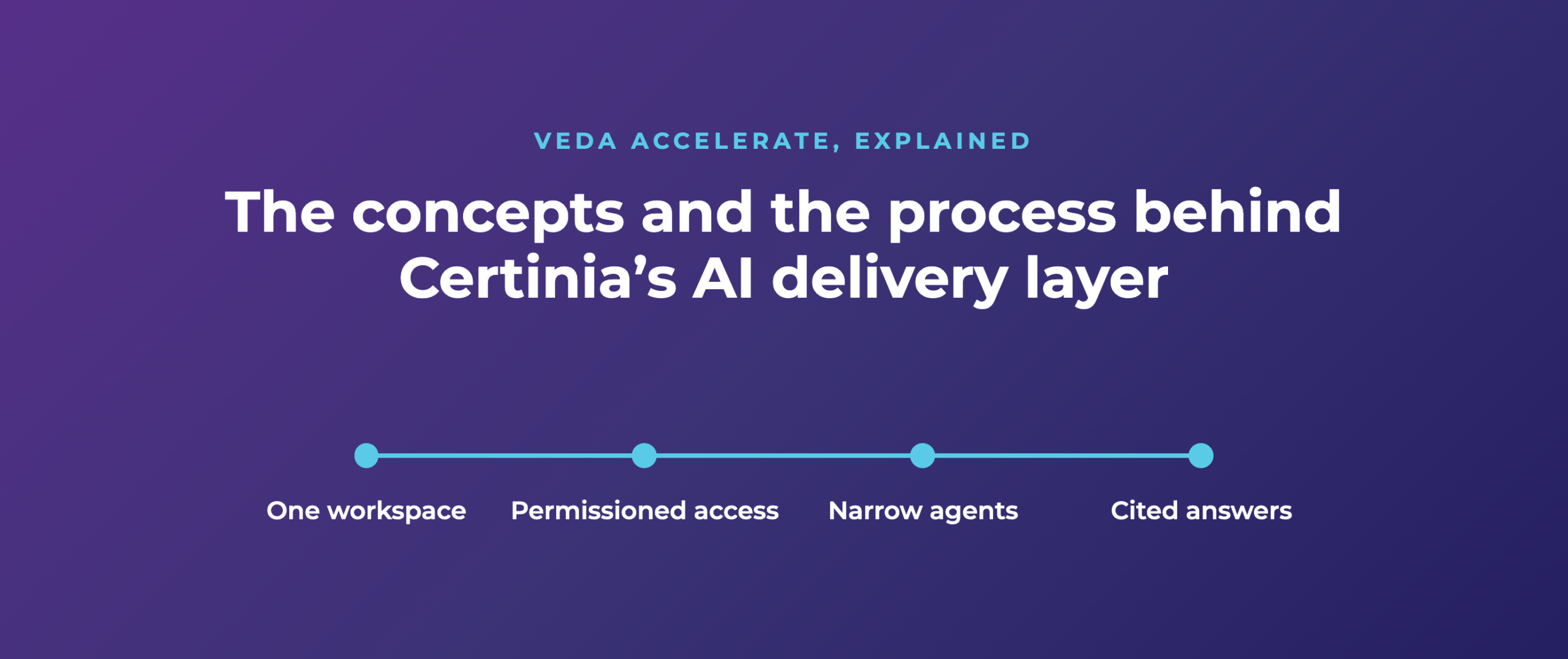
Concept 1: Containers
Veda Accelerate calls them “projects,” but they’re best understood as containers. They are not Certinia projects. There are no milestones, assignments, or timecards.
A container defines two things: which data is in scope, and who can query it. A container for North America engagements lets the North America delivery team ask questions across those engagements. EMEA data stays out of reach.
This is the governance model. Permissions sit on the data boundary, not on individual prompts.
Concept 2: Tags
Tags cut across containers. Tag every engagement that includes Services Estimator, and anyone with access to that tag can query patterns across all of them.
Tags are powerful but easy to overuse. Certinia’s guidance is roughly 25 or fewer, each meaningful to more than one team.
Concept 3: Narrow agents
Agents are built by admins in an agent studio. Each one is defined by:
- a system prompt
- optional skills, such as brand guidelines for document generation
- sample prompts
- the underlying model
Model choice is per agent. A solution-design agent can run on a high-reasoning model, while a call-summary agent runs on a lighter one.
The design principle is narrowness. An agent does one job, against one container, with one set of instructions. That makes outputs consistent and keeps users from improvising with open-ended AI.
Concept 4: Captured conversations
Call Pilot records meetings, either by joining from a calendar invite or locally in a room. It produces transcripts, summaries, and sentiment.
The recordings matter less on their own than as raw material. Calls are the unstructured source that feeds requirements, health scoring, and handoffs.
The process: Veda Accelerate across the services lifecycle
A container moves through stages, carrying its context forward so nothing is rebuilt at each handoff:
- Pre-sales: Sales opens the container. Agents help draft proposals and SOWs from discovery calls and account data.
- Sales-to-delivery handoff: When the deal closes, a handoff agent packages deal context, commitments, and risks for the delivery team.
- Requirements: Agents turn captured calls into user stories, managed in Project Relay, a Kanban-style board with a bidirectional Jira sync.
- Implementation planning: An agent writes technical build instructions for each story. Those instructions can be passed to a build tool such as Claude Code or Cursor.
- Delivery oversight: A PM agent scores project health daily (green, yellow, or red) by comparing calls and activity against the SOW. In one Certinia example, it flagged a project red while the client was happy, because deadlines kept extending without change orders. That is scope creep surfaced early.
- Documents and reporting: Agents generate status reports, decks, and Word documents using templates and branding defined in their skills.
Where the process breaks today
Two gaps matter for implementers.
First, Veda Accelerate doesn’t yet sync with Certinia PSA, so project data has to be maintained in both places until the roadmap integration lands.
Second, the implementation-plan agent writes instructions as if the target org were empty. It doesn’t scan existing configuration, and it makes no changes in the org.
As our team noted, real implementations are rarely greenfield. The missing step is an org scan between requirements and solution design. That’s the step VFP is focused on automating within Campfire, where requirements-to-build is already largely automated.
Fit: where the model works best
The concepts above pay off when work is repeatable. Narrow agents with fixed instructions perform best when the same engagement type runs many times. Certinia cited customers reaching around 60% automated delivery on a single repeatable engagement type.
Firms moving from time-and-materials to fixed fee benefit for the same reason.
Veda Accelerate doesn’t require Certinia. Its interface targets sales, PMs, and executives. Technical teams are likely to stay in their own AI tools, connected to the same data.
The adoption process
Certinia’s recommended rollout is incremental:
- Prepare the data: Output quality depends entirely on input quality, so clean up source systems before connecting them.
- Define containers and tags: Map permissions to how your organization actually divides access. Keep tags lean.
- Pilot small: Start with three to five users across a couple of projects.
- Use the out-of-the-box agents first: Run only the prebuilt agents for the first 90 days.
- Extend deliberately: Add custom agents and skills once usage patterns are clear.
- Plan for change: Veda Accelerate ships releases every three weeks, so review agents and processes regularly.